
RPMitUP5.3.0 - Google Play
You'll be able to see results in few seconds.
Publisher Description
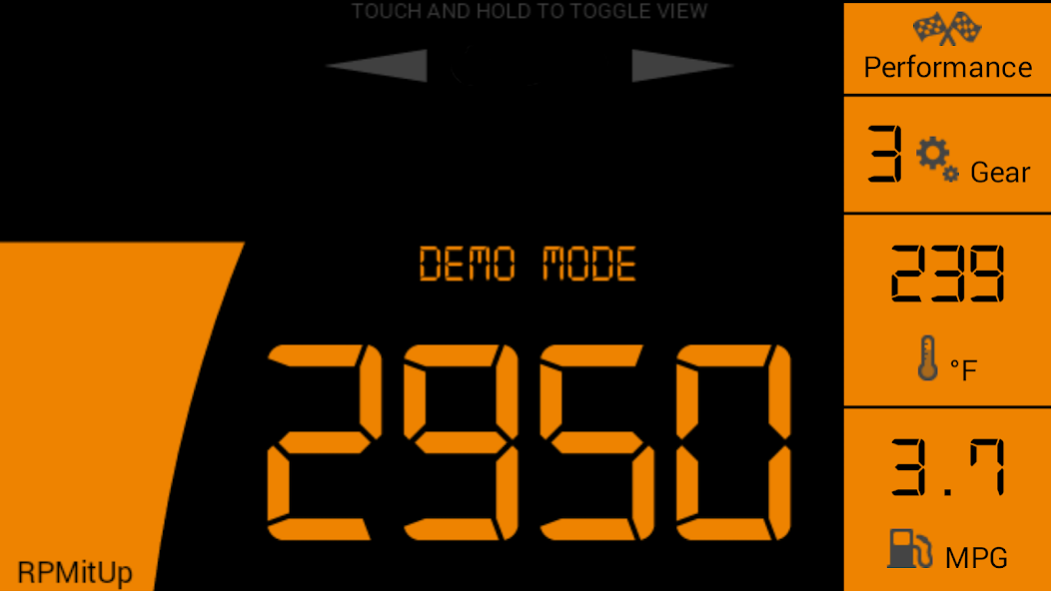
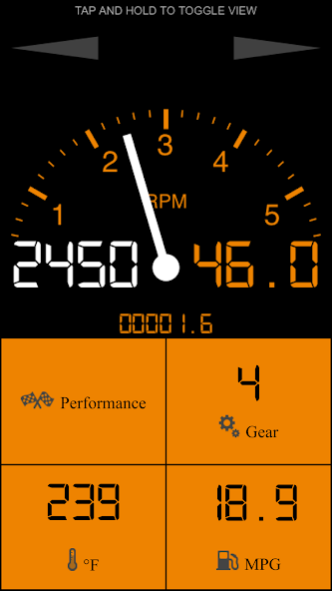
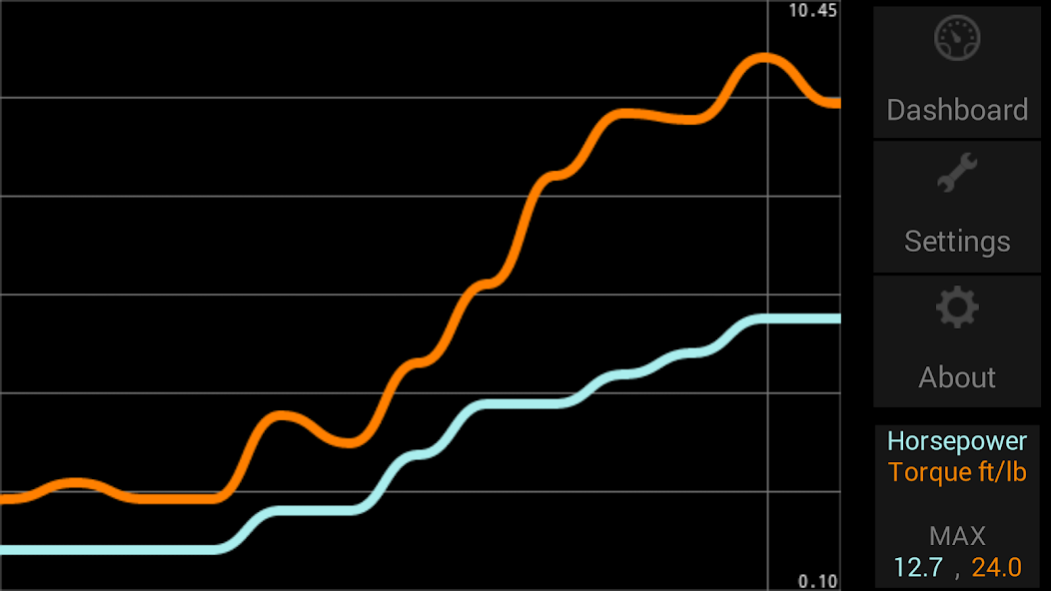
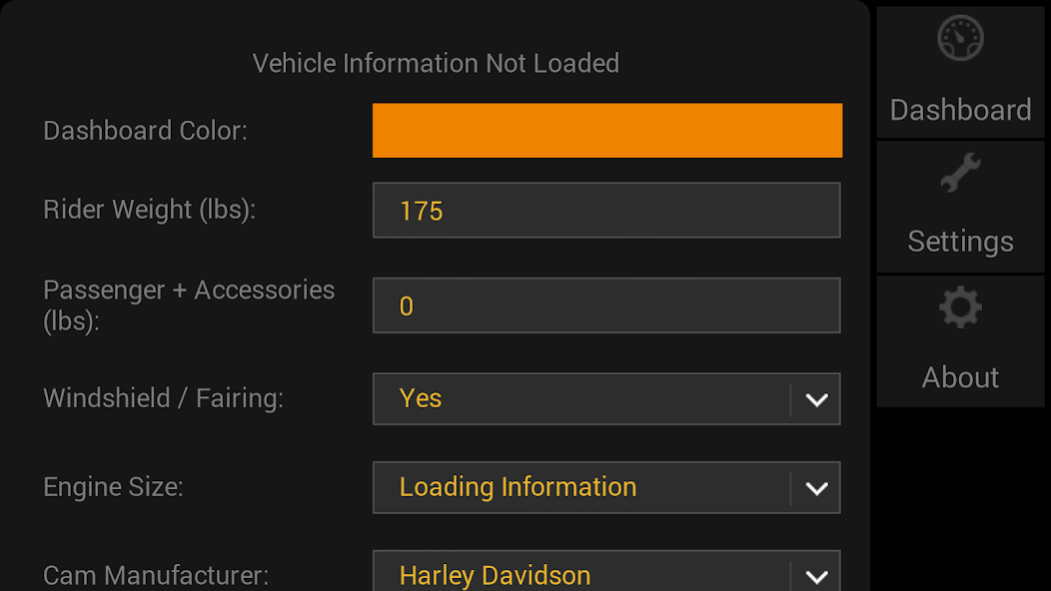
RPMitUp provides real-time data from your Harley Davidson Motorcycle wirelessly to your Android device. Different modes allow for use as a Speedometer, Tachometer, and Dynamometer. It can also be used to playback information from a previous ride. The following information is provided:
RPM, Engine Temperature, Engaged Gear, Average MPG, MPH, Horsepower, Torque, Speed, Acceleration and DTC Trouble Code Lookup.
UPDATE: We now have a full dashboard working for new model HD motorcycles with a CANBUS!
RPMitUp requires a compatible OBD Bluetooth adapter along with a 16 to 4 pin ELM327 cable for the following models:
2001 - 2010 Softail
2001 - 2011 Dyna
2001 - 2013 Touring
2001 - 2013 Sportster
2002 - Present V-ROD
or a OBD Bluetooth adapter along with a 16 to 6 pin CANBUS cable for the following models:
2011 - Present Softail
2012 - Present Dyna
2014 - Present Touring
2014 - Present Sportster
2014 - Present Street 500/750
2001-2003 carbureted models lack the protocols used
Please see the support url for more information.
About RPMitUP
The company that develops RPMitUP is Cyber Software LLC. The latest version released by its developer is 5.3.0.
To install RPMitUP on your Android device, just click the green Continue To App button above to start the installation process. The app is listed on our website since 2023-09-18 and was downloaded 0 times. We have already checked if the download link is safe, however for your own protection we recommend that you scan the downloaded app with your antivirus. Your antivirus may detect the RPMitUP as malware as malware if the download link to com.motorcycle.dashboard is broken.
How to install RPMitUP on your Android device:
- Click on the Continue To App button on our website. This will redirect you to Google Play.
- Once the RPMitUP is shown in the Google Play listing of your Android device, you can start its download and installation. Tap on the Install button located below the search bar and to the right of the app icon.
- A pop-up window with the permissions required by RPMitUP will be shown. Click on Accept to continue the process.
- RPMitUP will be downloaded onto your device, displaying a progress. Once the download completes, the installation will start and you'll get a notification after the installation is finished.
Program Details
System requirements
Download information
Pricing
Version History
version 5.3.0
posted on 2023-09-18
Adding Voltage Meter in Settings for supported adapters
Adding tic marks on analog gauges
Fix help popups in Settings
Adding Odometer reset button: Performance -> Settings -> Display Options -> 0 Odometrer
Adding option to manually name your motorcycle
Auto enable Bluetooth
Adding: Settings -> Display Options -> Decimal MPH option
You can now design your own Dashboards.
Updating the MPG to give immediate feedback.
See Settings-> Display Options-> MGP to switch back to average calculations
version 5.2.1
posted on 2020-12-17
Adding Odometer reset button: Performance -> Settings -> Display Options -> 0 Odometrer
Adding 8000 RPM view: Settings -> Display Options -> Max RPM
Adding option to manually name your motorcycle
Auto enable Bluetooth
Adding: Settings -> Display Options -> Decimal MPH option
You can now design your own Dashboards.
Updating the MPG to give immediate feedback.
See Settings-> Display Options-> MGP to switch back to average calculations
version 5.2.0
posted on 2020-10-16
Adding option to manually name your motorcycle
Auto enable Bluetooth
Adding: Settings -> Display Options -> Decimal MPH option
You can now design your own Dashboards.
Updating the MPG to give immediate feedback.
See Settings-> Display Options-> MGP to switch back to average calculations
Adding Split Screen Aspect Ratios for Tablets
See Settings -> Display Options -> Aspect Ratio
Adding color changes to indicate an RPM range:
Settings -> RPM Warning
version 5.1.0
posted on 2020-05-04
Auto enable Bluetooth
Adding: Settings -> Display Options -> Decimal MPH option
You can now design your own Dashboards.
Updating the MPG to give immediate feedback.
See Settings-> Display Options-> MGP to switch back to average calculations
Adding Split Screen Aspect Ratios for Tablets
See Settings -> Display Options -> Aspect Ratio
Adding color changes to indicate an RPM range:
Settings -> RPM Warning
version 5.0.7
posted on 2020-03-12
Fixes for new Android Permissions and virus scanning of data logs
You can now design your own Dashboards.
Updating the MPG to give immediate feedback.
See Settings-> Display Options-> MGP to switch back to average calculations
Adding Split Screen Aspect Ratios for Tablets
See Settings -> Display Options -> Aspect Ratio
Adding color changes to indicate an RPM range:
Settings -> RPM Warning
version 5.0.3
posted on 2019-08-02
You can now design your own Dashboards. Visit rpmitup.com for more information!
Updating the MPG to give immediate feedback.
See Settings-> Display Options-> MGP to switch back to average calculations
Adding Split Screen Aspect Ratios for Tablets
See Settings -> Display Options -> Aspect Ratio
Adding Fuel Consumption options for Metric users: L/100km & km/L
See Settings -> Display -> Standard/Metric
Adding color changes to indicate an RPM range:
Settings -> RPM Warning
version 4.6.0
posted on 2018-01-30
Adding DTC Diagnostic Trouble Code lookup.
These are available on the Settings page once connected to you motorcycle.
Adding support for the CHX adapter
For V-ROD & Street models we added an option to increase the RPM range of the dashboards.
See Settings -> Max RPM.
Added an option to keep the OBD adapter connection open while the app is in the background.
See Settings -> Rebuild OBD
Adding color changes to indicate an RPM range:
Settings -> RPM Warning
version 4.0.2
posted on 2016-09-30
Adding Speed + RPM Configuration for CANBUS models.,See the Settings -> HDs Protocol to switch modes:,https://www.youtube.com/watch?v=hSI8SsGoK9o,- Adding support for V-LINK & CAFU adapters,- Adding use of the back button to navigate,- You can access the settings while connected on the Performance screen,- NOW WITH PORTRAIT MODES,- NEW UPLOAD TAB,You can now upload and store your rides including all real-time metrics, GPS, and summary data.
version 4.0.2
posted on 2016-09-30
Disclaimer
Official Google Play Link
We do not host RPMitUP on our servers. We did not scan it for viruses, adware, spyware or other type of malware. This app is hosted by Google and passed their terms and conditions to be listed there. We recommend caution when installing it.
The Google Play link for RPMitUP is provided to you by apps112.com without any warranties, representations or guarantees of any kind, so access it at your own risk.
If you have questions regarding this particular app contact the publisher directly. For questions about the functionalities of apps112.com contact us.
